Edit Record Detail
In this section you will learn how to edit a record’s details.
Written By NatalieO97
Last updated Over 1 year ago
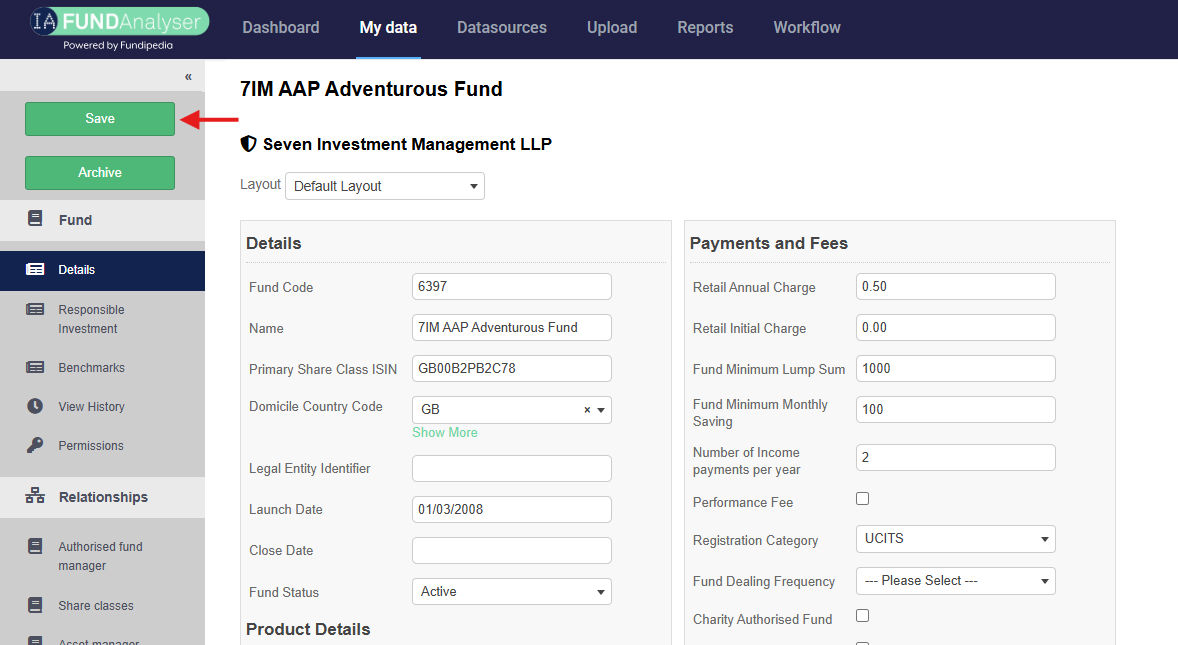
Once you make changes to an existing record, you can click the Save button on the side menu.

In the funds section, click into the fund that you would like to edit.
Once you have made the necessary amendments/ updates click on the save button
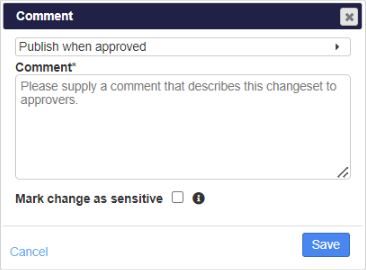
A confirmation box will appear where a comment that describes the change made - this allows the IA admins to understand the amendment before approving/rejecting it. In addition, the date of publication may be controlled (please see next section).