Running a Report
In this section we will be covering how to run a Report.
Written By NatalieO97
Last updated Over 1 year ago
Annual static report can be run on Reports and reuploaded.
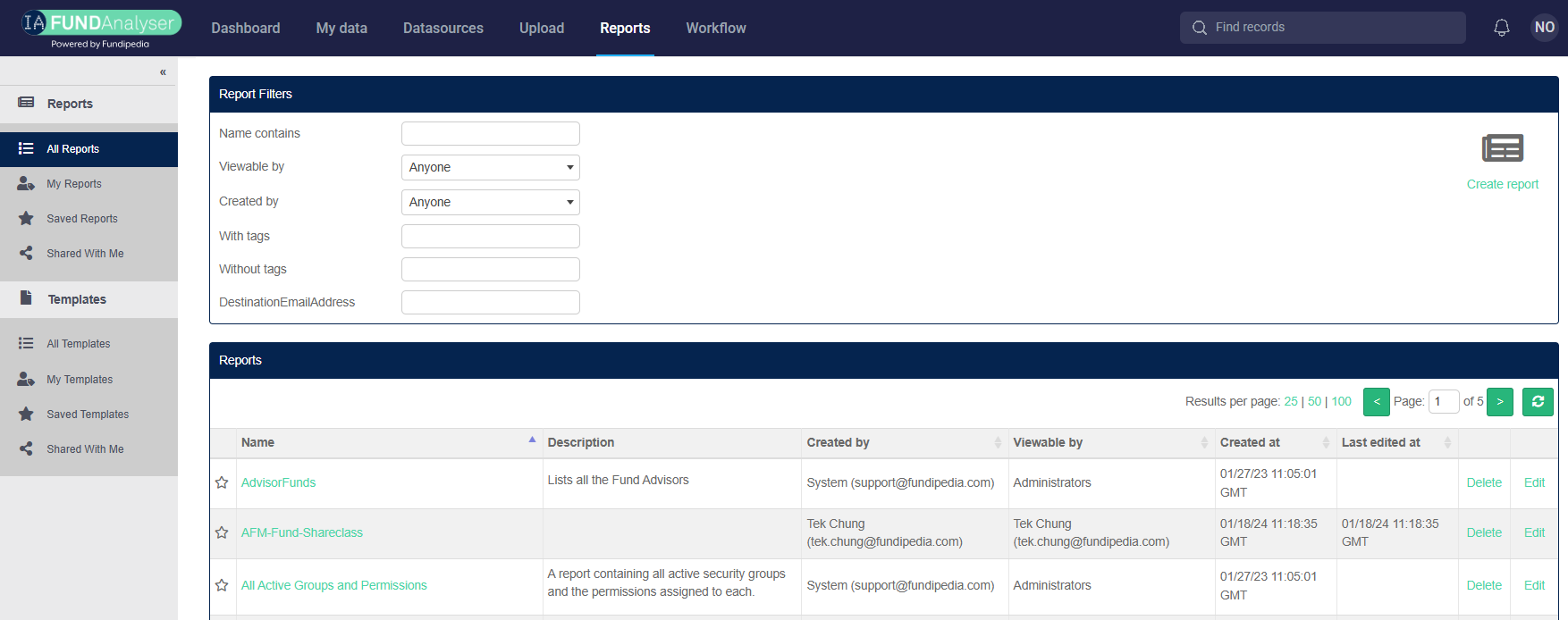
Once you have logged in, make your way to the Reports page, located in the Navigation Bar at the top of the screen. You will then need to search for the report you want to run using the report filters.
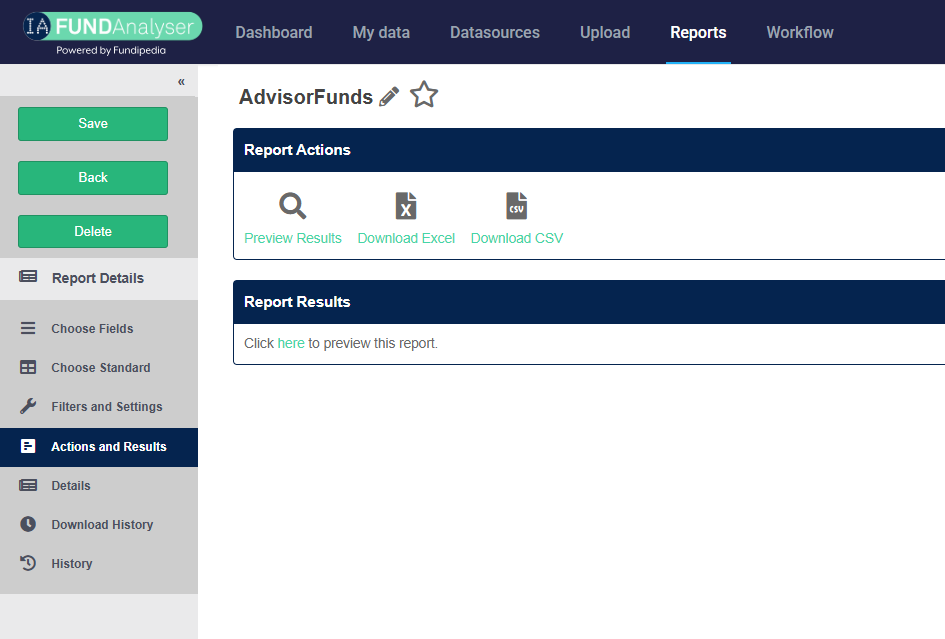
When you click on the desired Report it will bring you straight to the ‘Actions and Results’ page.
In order to run the report click on the below ‘here’, this will begin to run the Report for you.